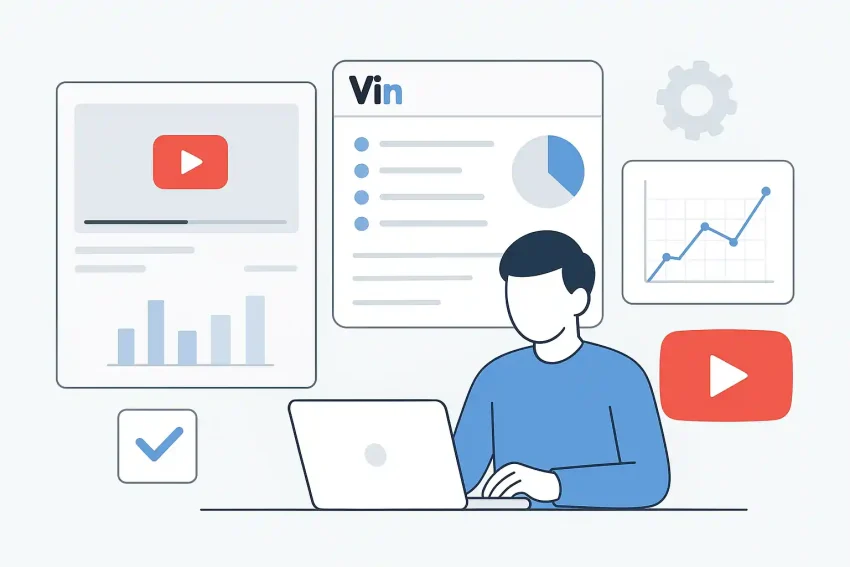
In the dynamic world of YouTube, creators are constantly looking for ways to grow their channels, reach wider audiences, and make their content stand out. It’s not just about creating great videos; it’s also about understanding the platform, your audience, and the data behind your content. This is where VidIQ features come into play, offering a suite of creator tools designed to help you make informed decisions and optimize your efforts. This article will walk you through how to integrate VidIQ into your real YouTube workflow, focusing on practical applications and clear explanations, rather than just listing features.
Think of VidIQ as your co-pilot, providing data-driven insights to guide your journey. From finding compelling video ideas to optimizing your uploads and analyzing performance, its functionalities can streamline many aspects of your channel management. Let’s explore how these tools can become an integral part of your daily creative process.
Transforming Your Idea Generation and Research Phase
Every great video starts with a great idea, but finding one that resonates with your audience and performs well on YouTube can be challenging. This is where VidIQ’s research capabilities shine, turning guesswork into data-backed decisions.
Finding Trending Topics and Keywords
-
Keyword Inspector: When you’re brainstorming, VidIQ’s Keyword Inspector is an invaluable tool. Instead of just guessing what people want to watch, you can type in potential topics or keywords related to your niche. The tool provides a wealth of data, including search volume, competition score, and related keywords.
Practical Use: Imagine you run a cooking channel. You might be considering a video on “vegan desserts.” Input this into the Keyword Inspector. VidIQ could show you that “easy vegan desserts” or “no-bake vegan desserts” have higher search volume and lower competition, guiding you to a more discoverable topic. This step is fundamental for a smart content strategy.
-
Trend Alerts: Keeping up with what’s popular can be time-consuming. VidIQ’s Trend Alerts allow you to set up notifications for emerging trends within your niche. This means you’re among the first to know about spikes in interest for certain topics, giving you an edge.
Practical Use: If a new gadget is released that’s relevant to your tech review channel, a trend alert could notify you when searches for it begin to surge, prompting you to create timely content that capitalizes on current interest.
Analyzing Competitors for Insights
-
Competitor Tracking: Understanding what successful channels in your niche are doing is crucial for refining your own content strategy. VidIQ lets you track specific competitor channels, giving you insights into their most viewed videos, subscriber growth, and even the tags they use.
Practical Use: By tracking a few top channels similar to yours, you can observe patterns in their successful content. Are they focusing on short-form content, long-form tutorials, or specific video series? This isn’t about copying, but about understanding market demand and adapting your approach. It helps you see what’s working in terms of *video SEO* for others.
Optimizing Your Videos Before Uploading: Enhancing *Video SEO*
Once you have your video ready, optimizing it before you hit publish is critical for visibility. This is where VidIQ truly integrates into your pre-upload YouTube workflow, helping you craft titles, descriptions, and tags that get noticed.
Crafting Discoverable Titles and Descriptions
-
SEO Score and Checklist: When you’re uploading a video, the VidIQ browser extension overlays directly onto the YouTube upload page. As you type your title and description, it provides a real-time SEO score and a checklist of optimization suggestions. It guides you on character limits, keyword density, and calls to action.
Practical Use: You’ve got your video about “DIY Home Decor Hacks.” As you type your title, VidIQ might suggest including the year or a specific benefit (“2023 DIY Home Decor Hacks: Transform Your Space on a Budget”) to improve its searchability. For your description, it will prompt you to include your main keywords naturally and link to relevant resources.
Maximizing Your Tags
-
Tag Suggestions: Tags are often overlooked but are essential for discoverability. VidIQ offers intelligent tag suggestions based on your title, description, and related popular videos. It even shows you the search volume for each tag, helping you choose the most effective ones.
Practical Use: For your “DIY Home Decor Hacks” video, VidIQ won’t just suggest “DIY” and “home decor.” It might also recommend “budget decorating,” “apartment hacks,” or “interior design tips,” giving you a broader reach and improving your *video SEO* footprint.
Post-Upload Analysis and Iteration
Publishing a video isn’t the end; it’s just the beginning. Analyzing its performance and understanding your audience is crucial for continuous growth. VidIQ provides powerful analytics that go beyond YouTube’s native studio.
Understanding Your Channel’s Performance
-
Channel Audit: This feature provides a comprehensive overview of your channel’s health, identifying what’s working and what’s not. It pinpoints videos that are performing well and those that might need adjustments, suggesting areas for improvement.
Practical Use: Regularly checking your Channel Audit can reveal that your tutorial videos consistently get higher watch time than your vlogs. This insight can help you adjust your content strategy to focus more on what your audience truly enjoys, optimizing your entire YouTube workflow.
-
Best Time to Post: VidIQ analyzes your audience’s activity and provides data on the optimal times to publish your videos for maximum initial engagement.
Practical Use: Instead of randomly uploading, you can schedule your video to go live when most of your viewers are online, increasing the chances of immediate views and comments, which can signal to YouTube that your content is valuable.
Real-time Stats and Engagement
-
Real-time Stats Bar: The VidIQ extension provides a dynamic stats bar on YouTube video pages, showing you real-time views, likes, comments, and even how a video is performing compared to other recent uploads.
Practical Use: After publishing, you can watch your video’s performance unfold in real-time. If a video isn’t gaining traction as expected, you might consider adjusting its thumbnail or description slightly, or promoting it more actively on other social media platforms.
Streamlining Your Overall Creator Tools and Workflow
Beyond individual video optimization, VidIQ also offers features to streamline your entire **YouTube workflow** and manage your channel more efficiently.
Bulk Editing and Templates
-
Bulk Editor: Need to add a consistent call to action or a new link to all your video descriptions? The Bulk Editor allows you to make changes across multiple videos simultaneously, saving you hours of manual work.
Practical Use: If you’ve just launched a new website or a merchandise store, you can quickly update the description of all your relevant videos to include the new link, ensuring your audience always has the most current information.
-
Description Templates: For consistency and efficiency, you can create and save description templates with standard intros, outros, social media links, and disclaimers.
Practical Use: This ensures that every new video you upload starts with a professional and consistent description, saving you time and ensuring you don’t forget crucial information.
Conclusion
Integrating VidIQ features into your YouTube workflow isn’t about finding a magic bullet for instant growth. It’s about empowering yourself with data, making more informed decisions, and working smarter, not harder. By leveraging these powerful creator tools for research, optimization, and analysis, you can develop a more effective content strategy and significantly improve your *video SEO*. Remember, consistent effort combined with intelligent tools is often the most reliable path to sustainable channel growth.